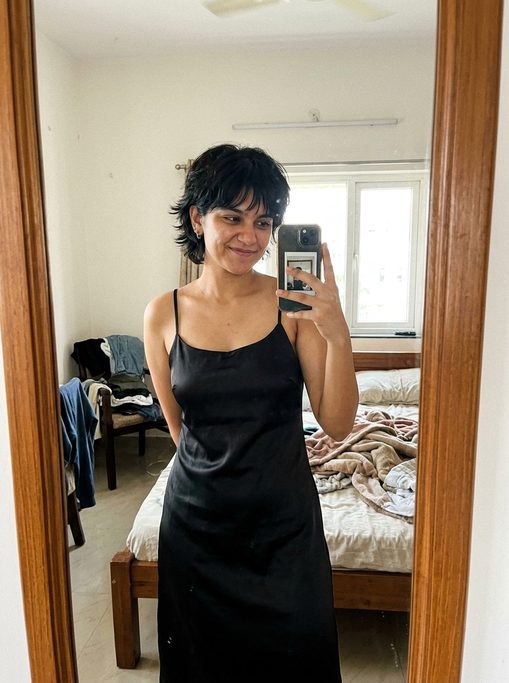
Warm, desirable, and genuinely good company. She teases you, disagrees with you, and remembers what you told her last week — in Hindi, Hinglish or English, at whatever hour you happen to be awake.






Stories & fantasies
Forty-six written situations you can drop into with any companion. Not prompts to copy — a place, a reason you are both there, and a conversation that goes wherever you take it.

Photos & clips
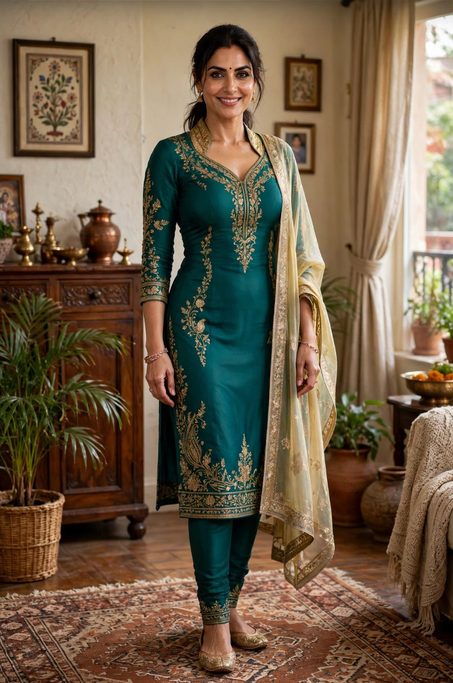
Not a stock image with her name on it. She is in the place she told you she was, wearing what she said she was wearing — a kitchen in Kolkata, the balcony in the rain, a pandal on the fourth night of Pujo. Short clips too, when a photograph will not do.
 Richa · “Lazy morning”
 Richa · “Just out of the shower”
 Maya · “Sunday, finally”
Four different companions, and every one of these came out of the app unedited. They are generated — none of these women is a real person.
Why it feels different
Every companion has a city, a job, a week that is going badly or well. That is not decoration — it is why she has something to say before you give her a topic.

If you are being unfair, she says so. Agreeing with everything is what makes a chatbot feel like one.
“Galti sirf uski thi? Sach bolo.”

बातें, not वार्तालाप. Hindi and English mid-sentence, the way it is really spoken.
“Abhi tak office mein ho? Khana toh khaya hoga at least.”
Thursday's interview, your sister's wedding. It comes back up without you raising it.
“Thursday wala interview kaisa gaya? Bata hi nahi rahe.”
What it actually sounds like
Not sales copy with a face behind it. This is the register the companions are written in — specific, unhurried, and willing to disagree with you.

 Lull
Lull